

Email templates and audiences
How to prepare an email design and save a group of recipients.
Templates
A template is an email design you use many times.
Open Email messagesTemplates.
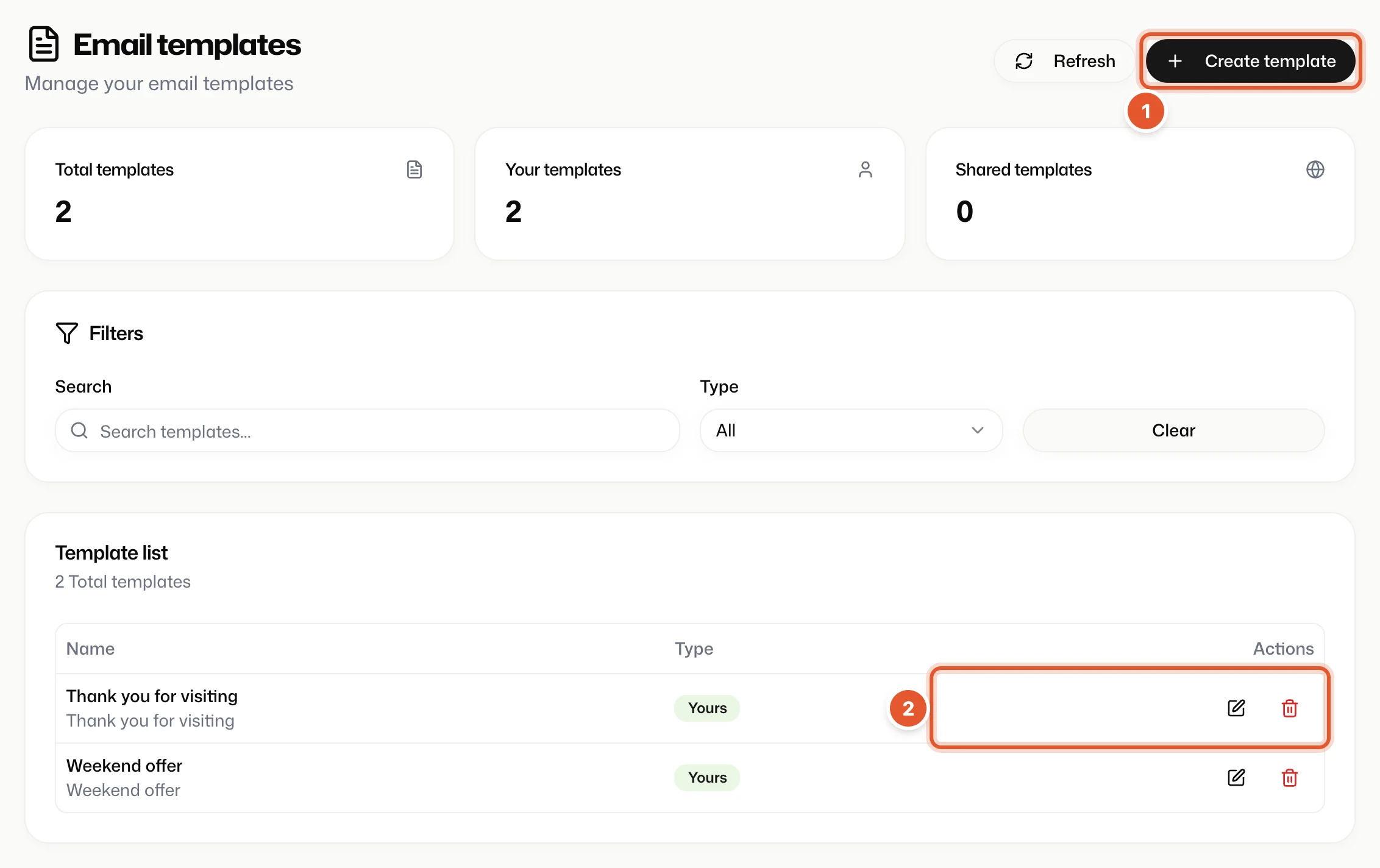
- 1. Create template — opens the builder.
- 2. Actions — edit, delete.
Create template opens the builder. You cannot change shared templates, but you can use them.
Audiences
An audience is a saved filter, such as “no visit for 60 days”. The recipients are chosen anew every time.
Open Email messagesAudiences.
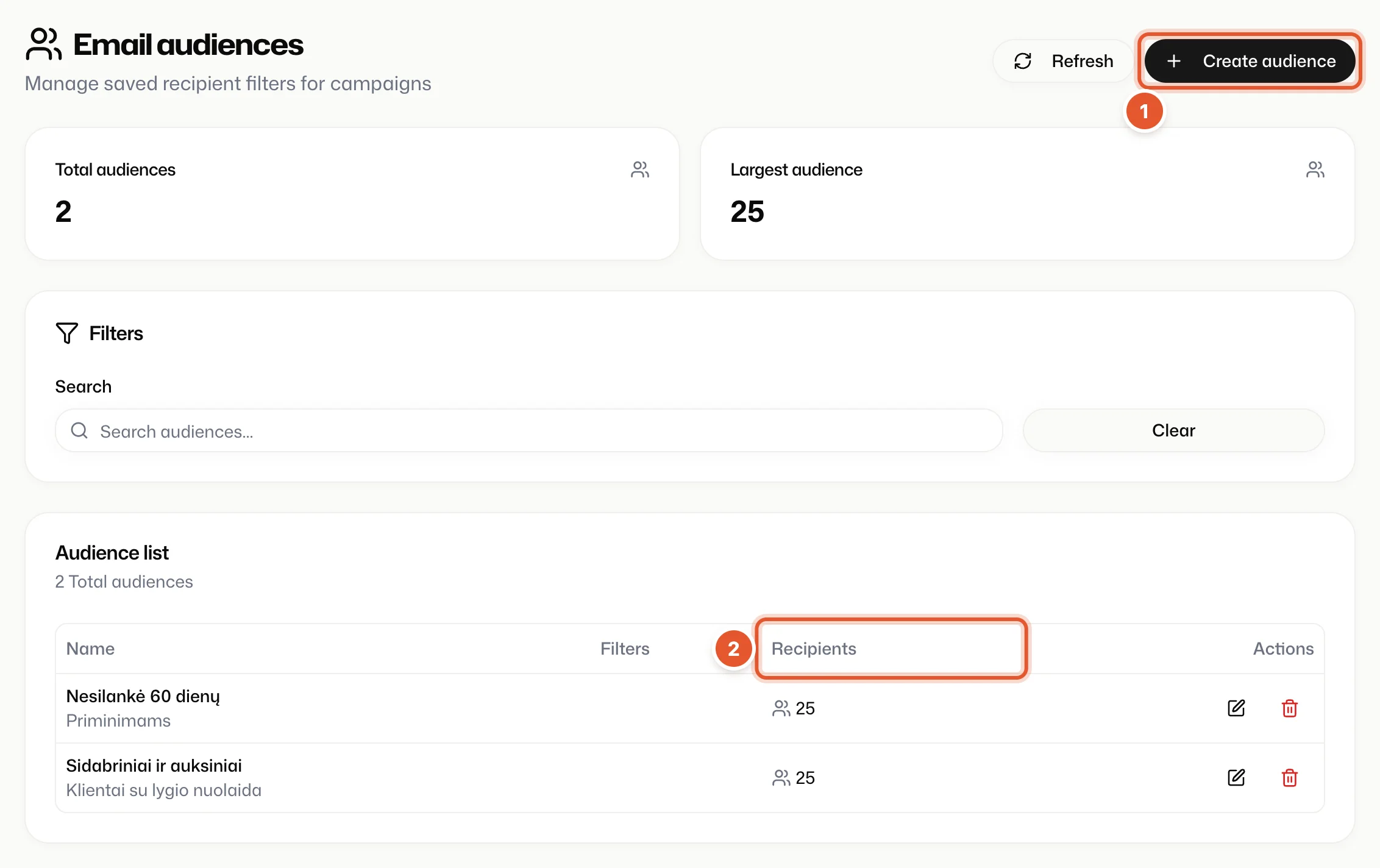
- 1. Create audience — a new saved filter.
- 2. Recipients — how many people match now.
Press Create audience. You can filter by tier, points, joining date, days inactive and whether a campaign was left unopened.