

Sender domains
How to send emails from your own address so they do not land in spam.
Until the domain is verified, emails are sent from a Loyalty.lt address with your name. Once verified, you send from your own, such as info@jusu-domenas.lt.
Open Email messagesSender domains.
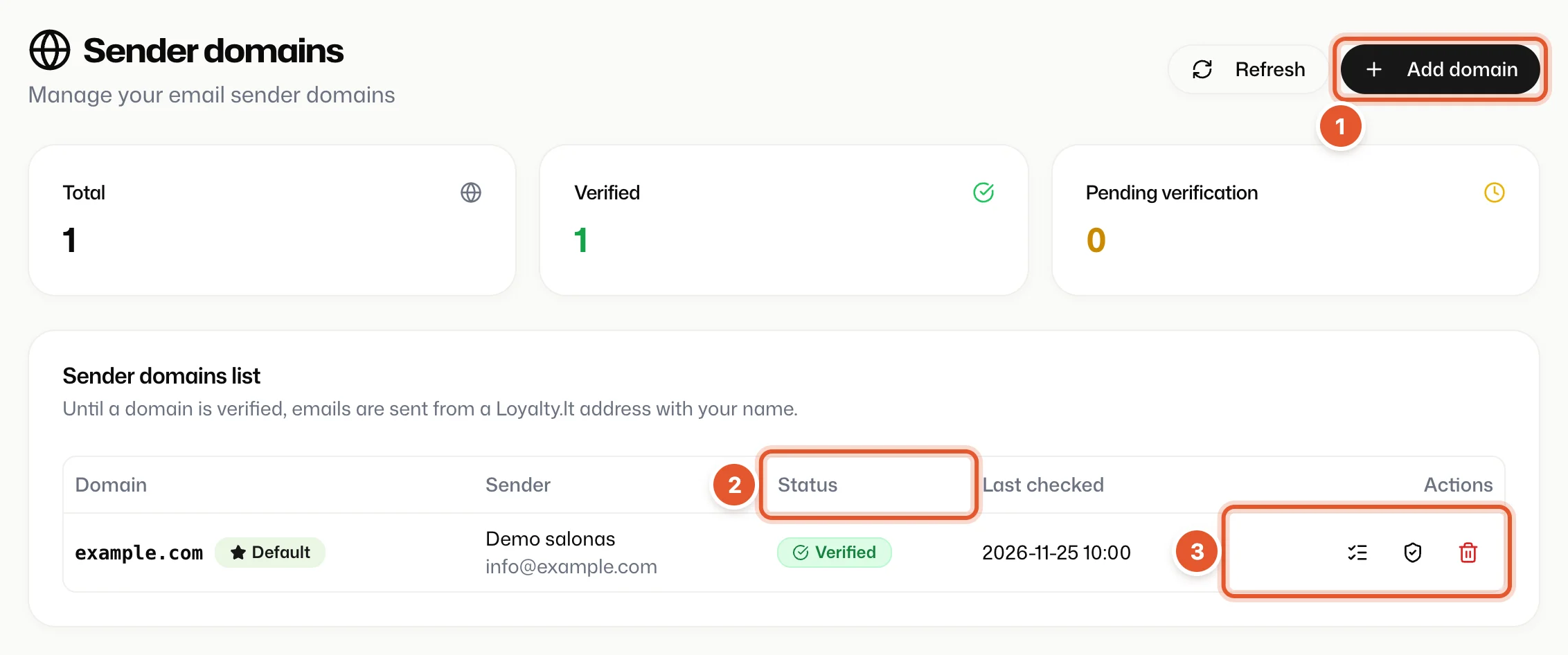
- 1. Add domain — a new domain.
- 2. Status — verified or not yet.
- 3. Actions — DNS records, verify, delete.
Add a domain
Press Add domain, type the domain, the sender email and the name.
Copy the DNS records shown into your domain's control panel. If you do not manage it yourself, forward them to whoever does.
Press Verify. DNS changes sometimes take a few hours.
If something goes wrong
| What you see | What to do |
|---|---|
| Still not verified | Wait a few hours and check again. The records must match exactly. |
| Emails go from the Loyalty.lt address again | The domain was deleted or its records removed. Add them again. |