

Printer
How to connect a receipt printer.
A receipt printer is optional. Thermal printers work: USB, network and Bluetooth.
Open SettingsPrinter settings.
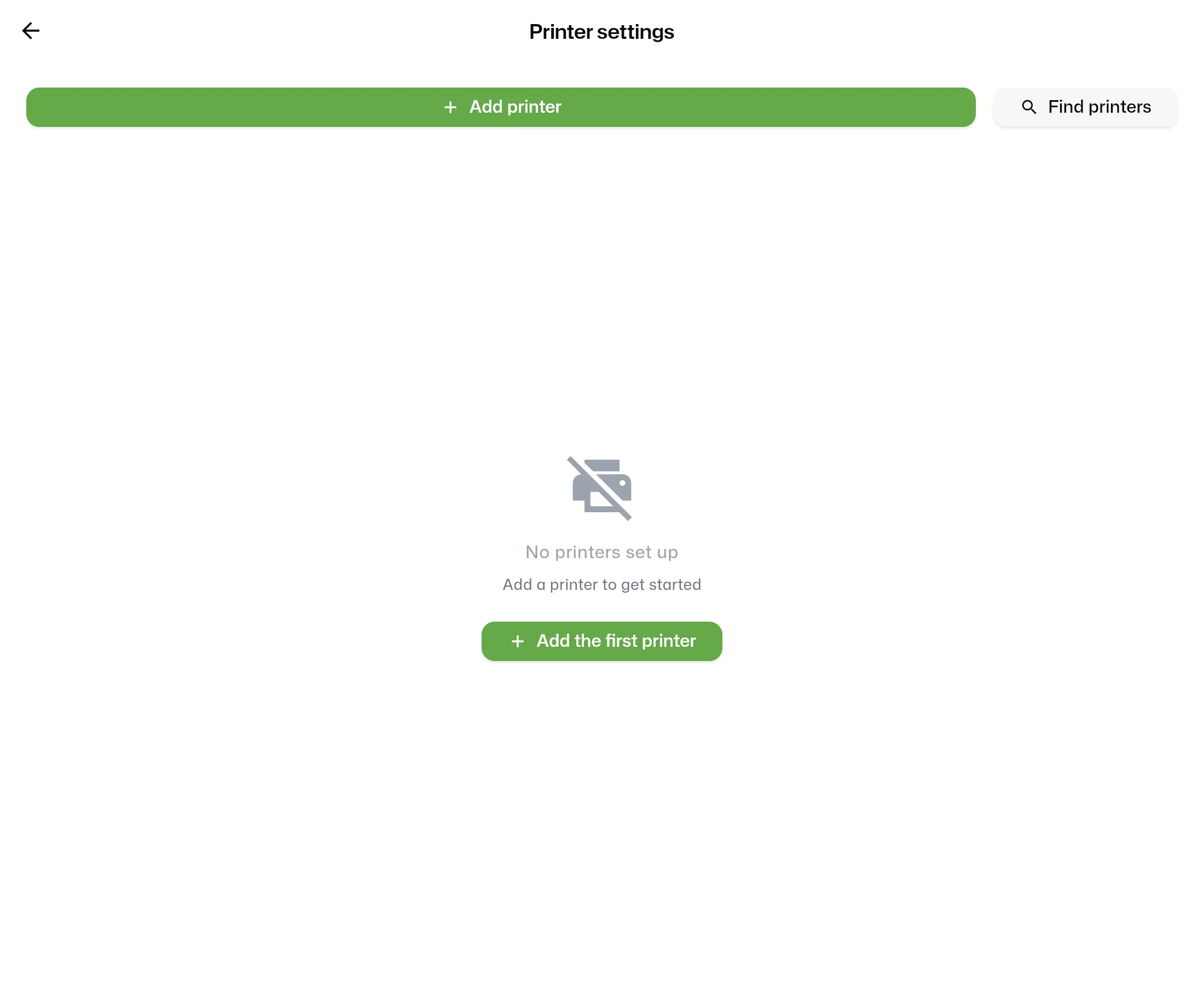
Turn the printer on and press the button that searches for printers. If it finds none, add the printer by its IP address.
Choose the paper width and save.
Print a test receipt.
To print a receipt automatically after each sale, turn on automatic receipt printing.
This is not a fiscal receipt
The till prints a loyalty receipt. Give the customer the fiscal receipt from your cash register.
If something goes wrong
| What you see | What to do |
|---|---|
| The till cannot connect to the printer | Check that it is on and in the same network. |
| Symbols print instead of Lithuanian letters | Change the printer model in the settings. |