

Payment
How to finish a purchase and what the customer gets.
Loyalty.lt does not take the money
The till records the purchase, the discounts and the points. Take the money with your cash register or card terminal.
A purchase needs a customer. Without one, Loyalty.lt does not record it.
Finish a purchase
Check the basket and the amount. Press Pay or F12.
Take the money and press Pay again in the window.
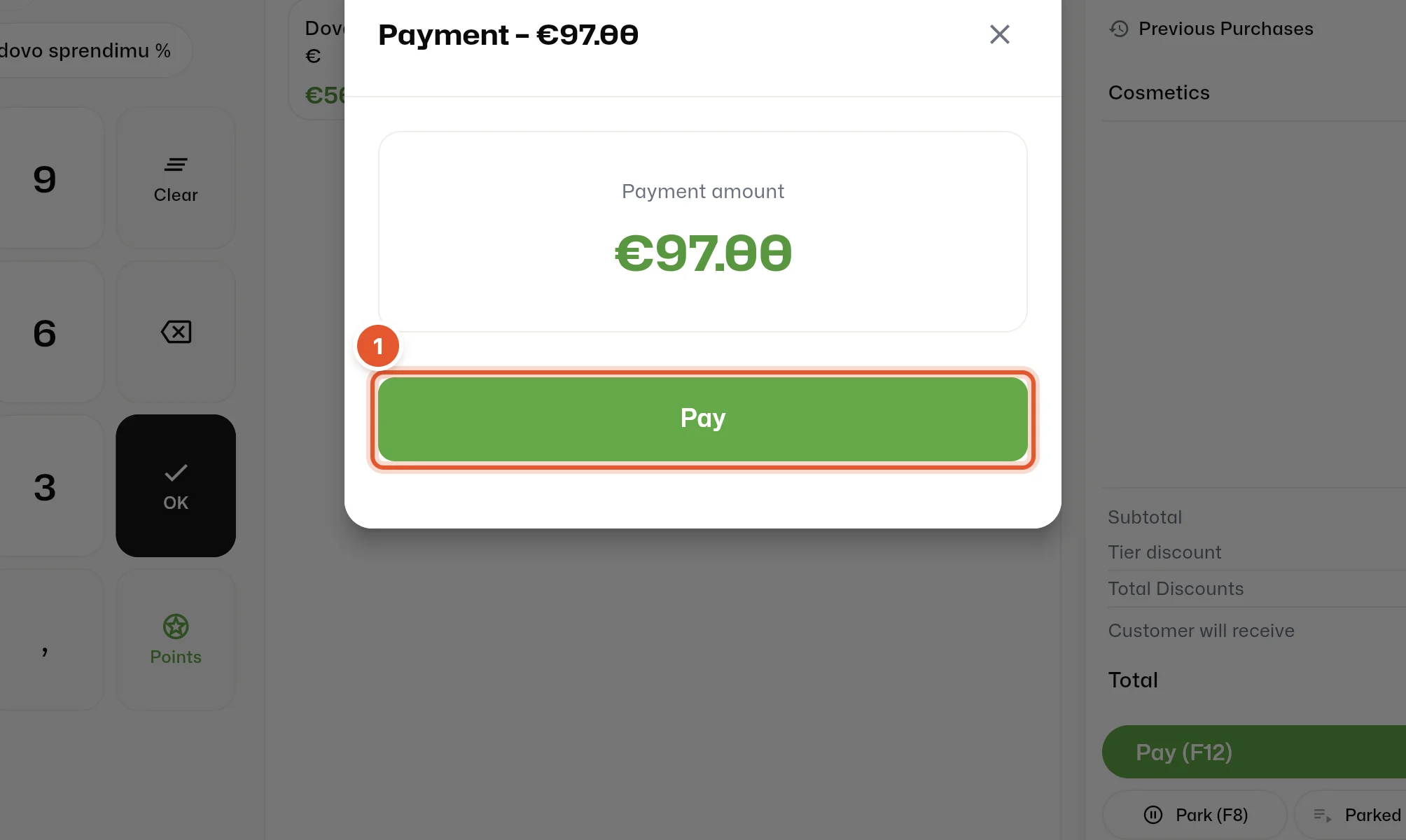
- 1. Pay — records the purchase. The customer gets a notice at once.
If “Ask for payment method” is on in the settings, choose cash or card first.
What the customer gets
In the app the customer sees a notice at once: what they paid, the discount, how many points they got and used, and how many they have now.
If something goes wrong
| What you see | What to do |
|---|---|
| Pay is grey | The amount is zero or not confirmed. Enter the amount and press OK. |
| “Pick the customer first” | Scan the card or find the customer and pay again. |
| The purchase is not recorded, another error shows | Check the internet connection and press again. The basket is kept. |
| A wrong amount was recorded | Refund the purchase and enter it again. |